

App Store Screenshots
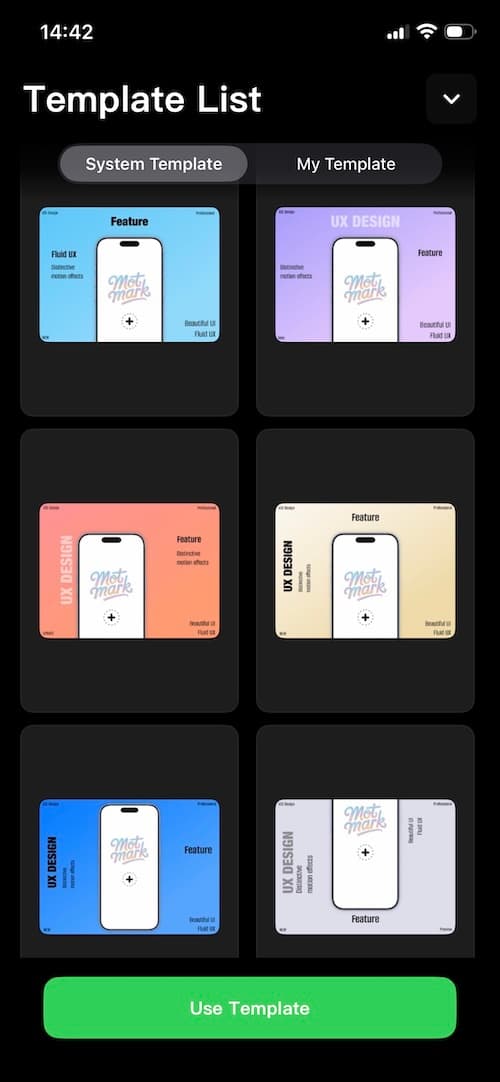
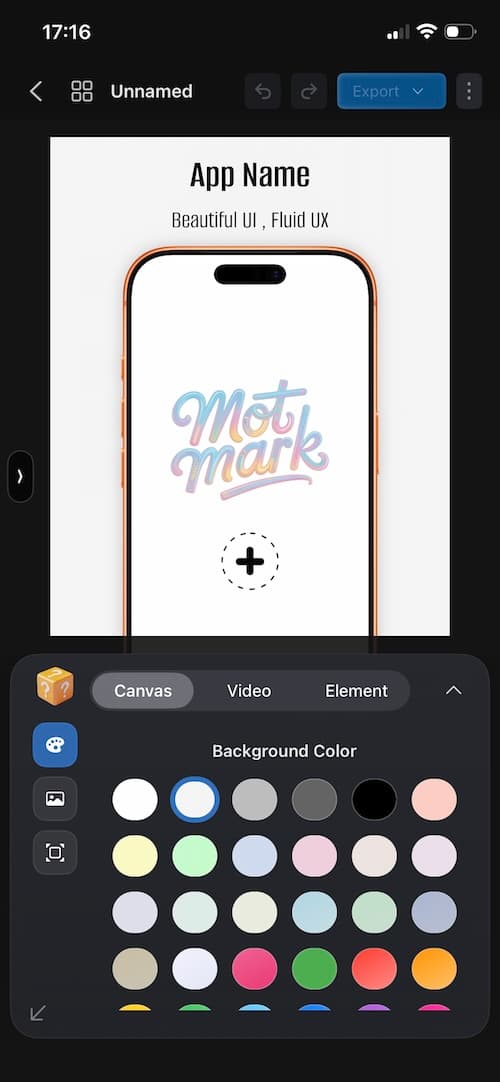
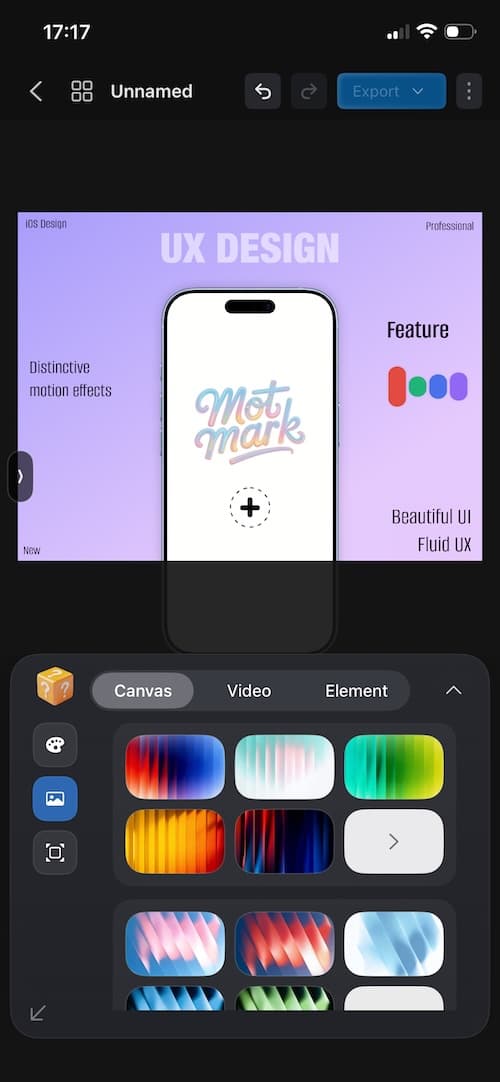
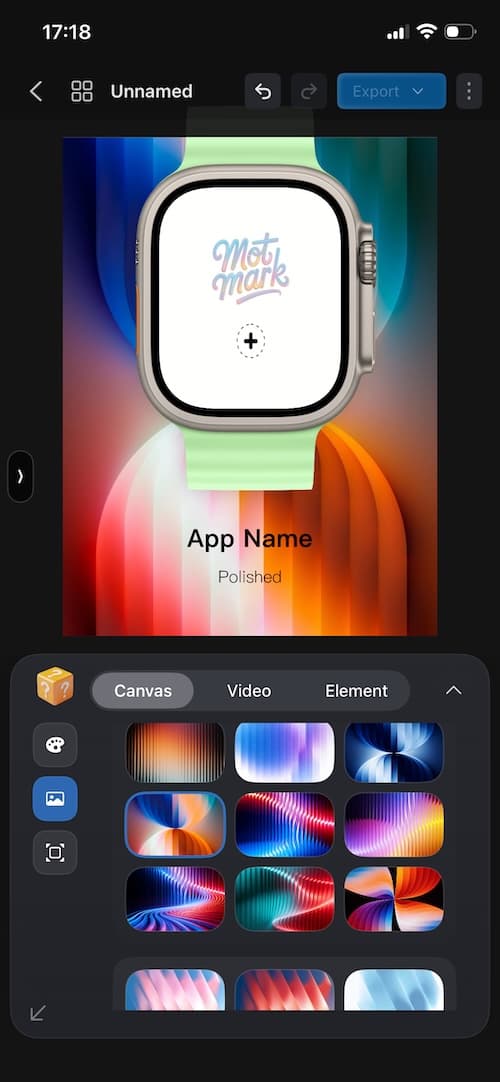
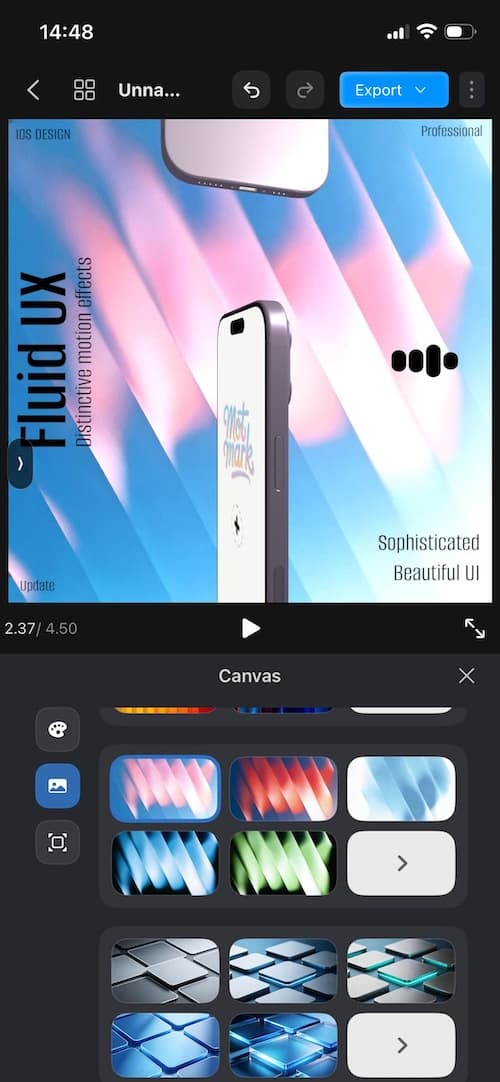
Create polished screenshots for the App Store and marketing campaigns, with flexible control over templates, backgrounds, text, and layers.
- Rich built-in templates
- Supports social media sizes
- Flexible layered layouts
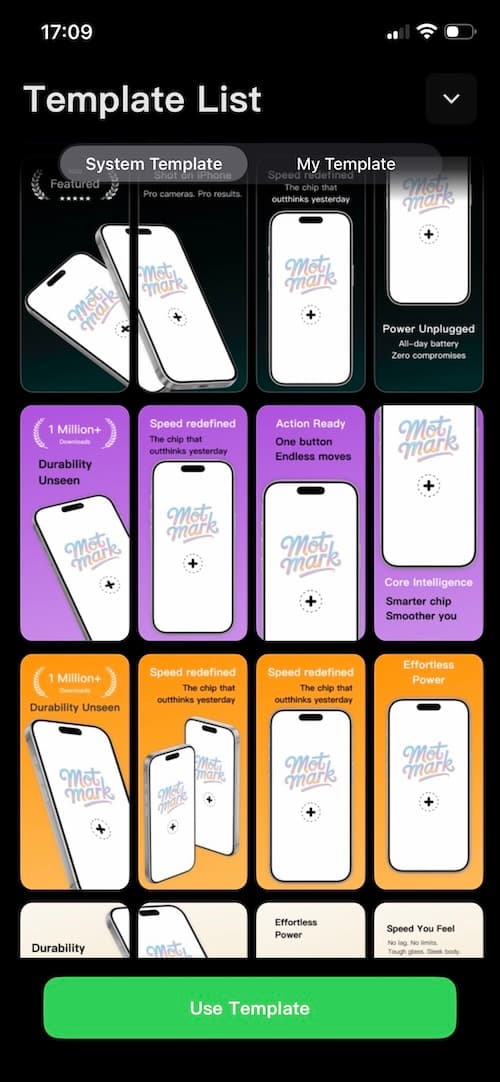
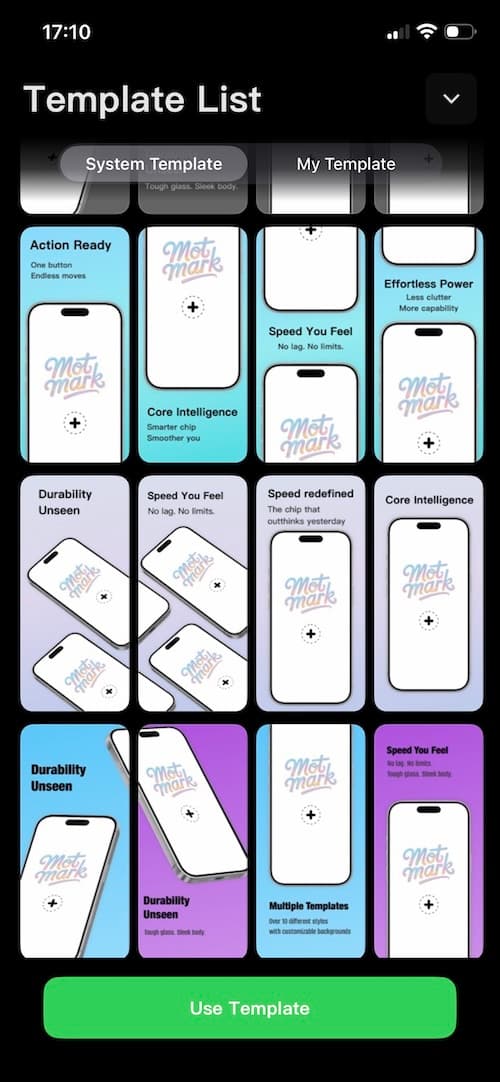
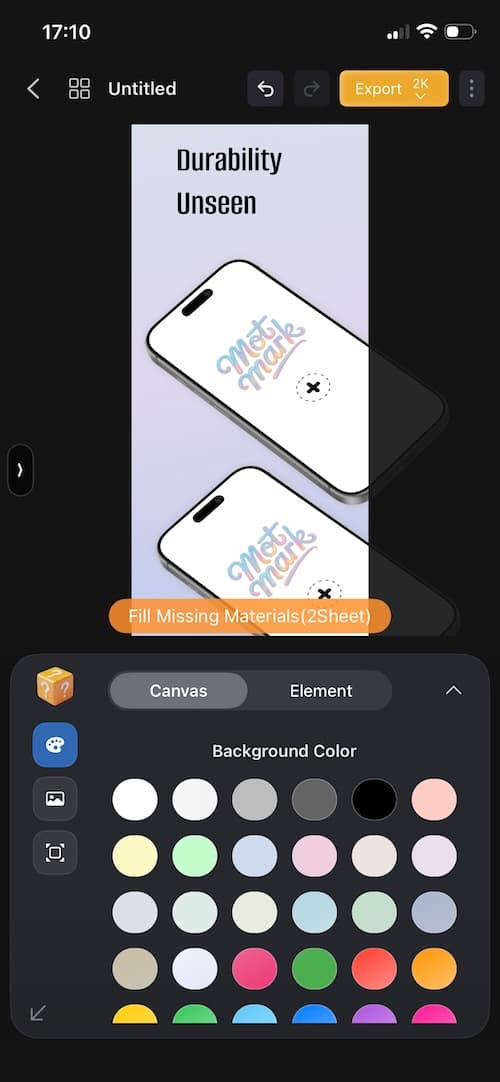
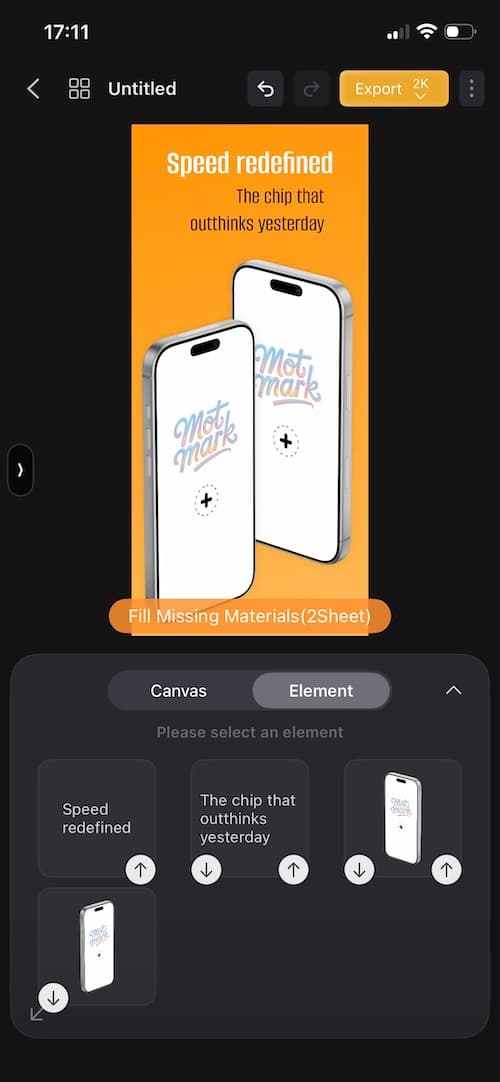

From store screenshots to product demo videos, bring scattered production steps into one streamlined workflow. Switch tools less, repeat less work, and ship faster.
Platforms
iPhone / iPad / MacUse Cases
Store creatives, promo videos, product demosCore Value
Whether you are arranging screenshots, packaging mockups, or demonstrating interactions, MotMark helps you finish with a more consistent visual language and less last-minute rework.
Download
Open in the Apple App StoreScan the QR code to quickly open the App Store, or tap the download badge below to go there directly.


From static screenshots to motion mockups, 3D showcases, and gesture trails, MotMark brings fragmented production steps into one unified workflow.
Create polished screenshots for the App Store and marketing campaigns, with flexible control over templates, backgrounds, text, and layers.
Combine device frames, motion backgrounds, and visual assets to create product videos that feel more complete and premium.
Use multi-device scenes, timelines, and keyframes to build product videos with more depth, rhythm, and visual impact.
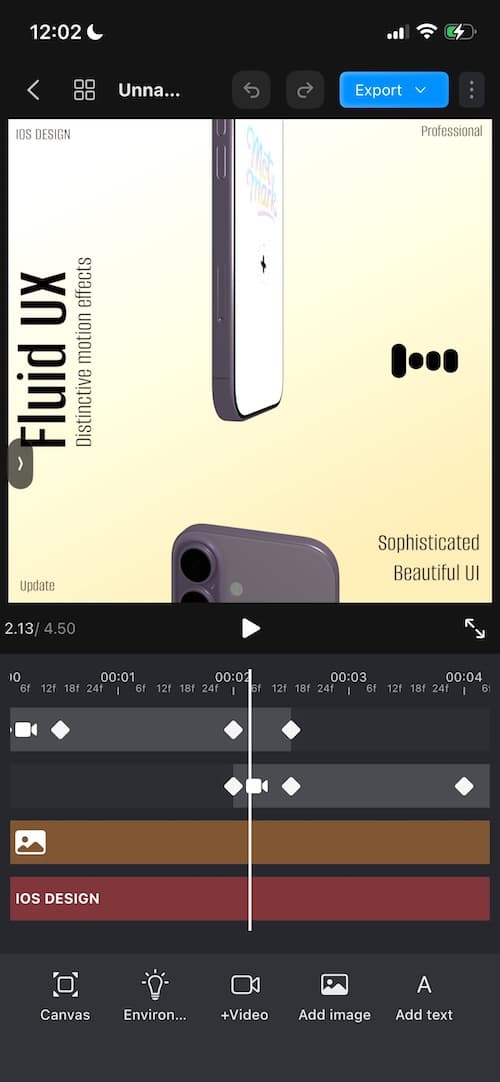
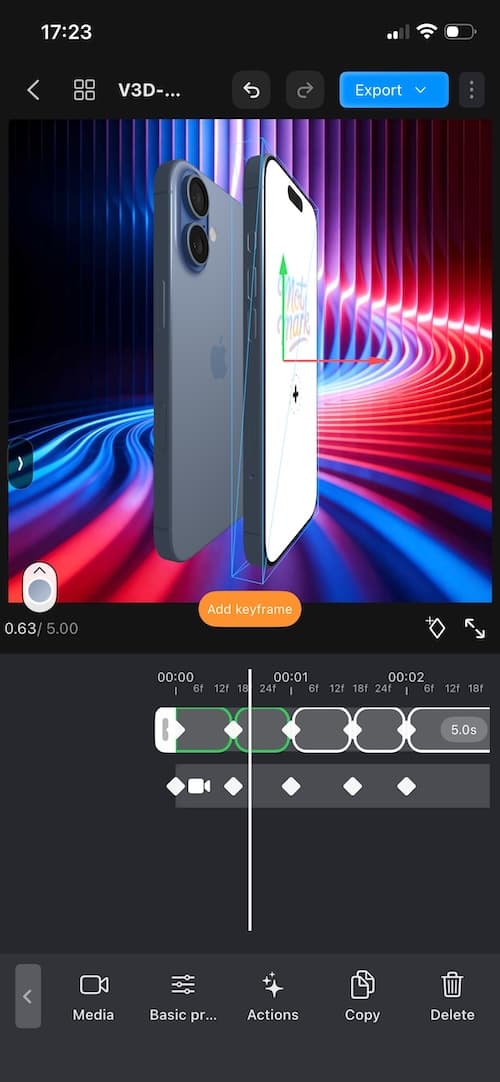
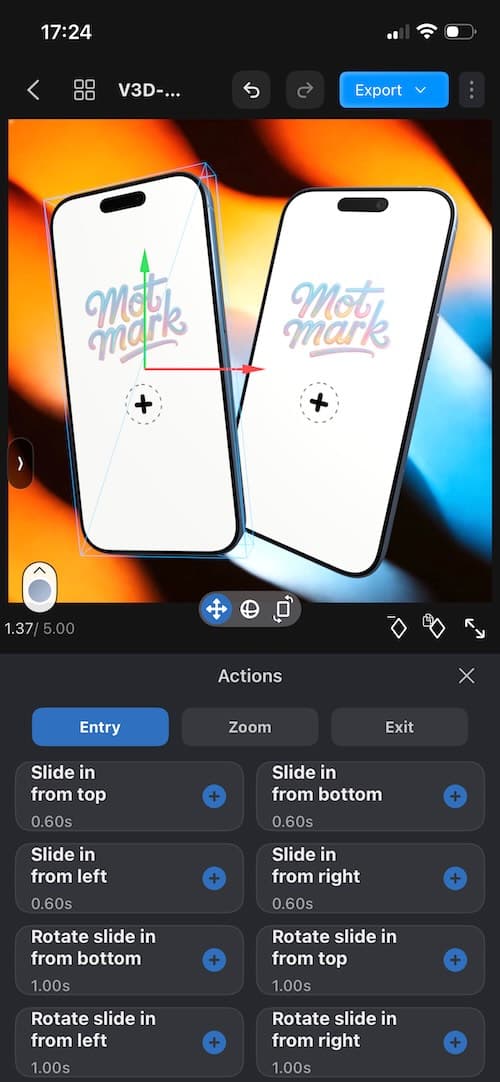
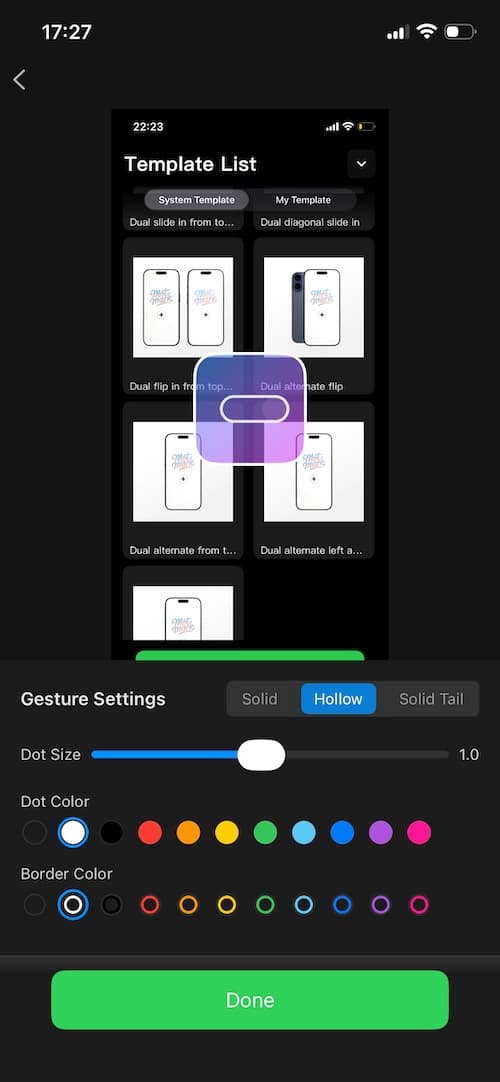
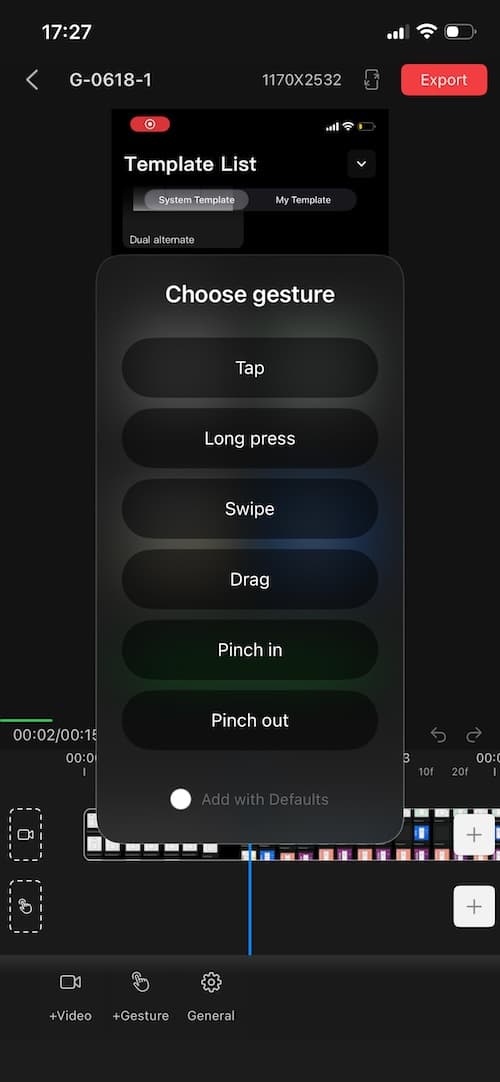
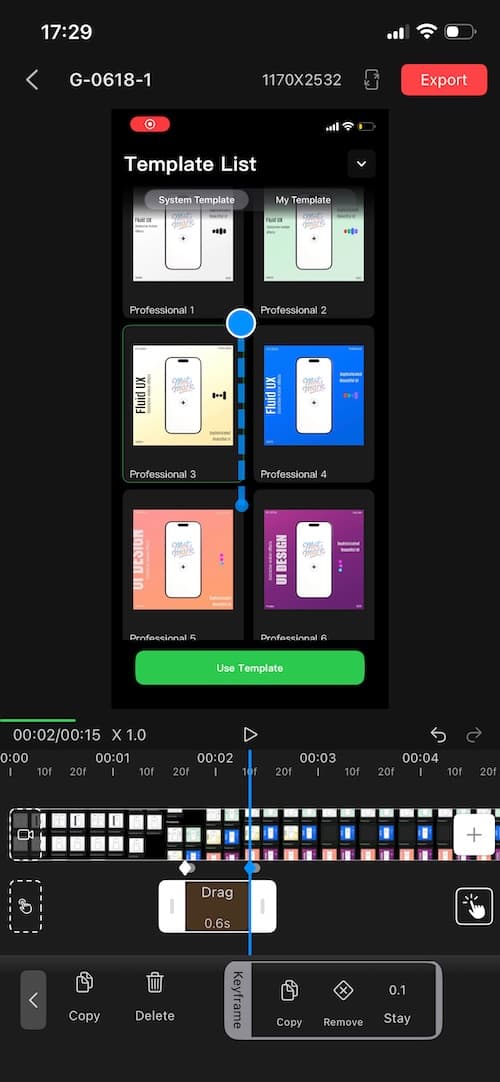
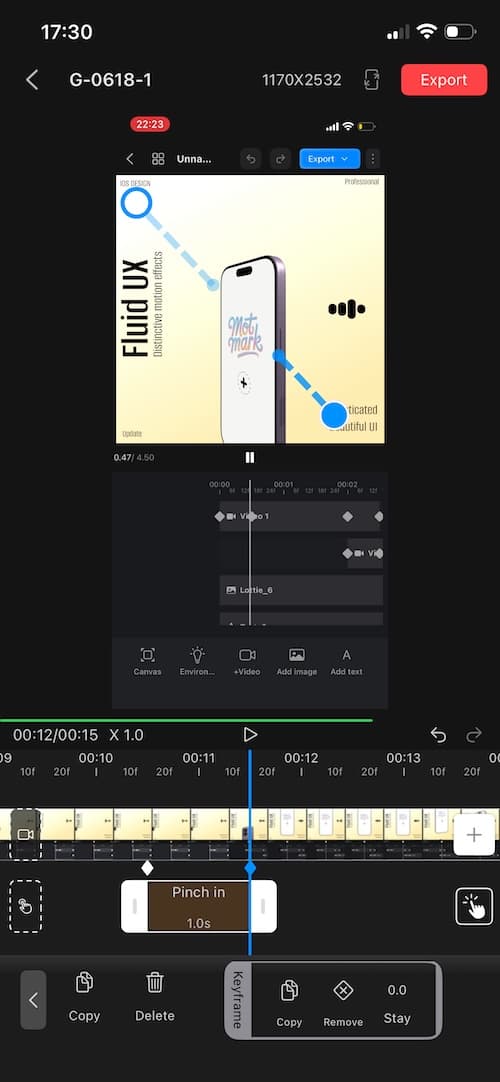
Show taps, swipes, and zoom interactions more clearly so tutorials and walkthrough videos feel closer to real use.
MotMark is designed for indie developers, small app teams, product managers, and growth teams that need a faster way to create launch and marketing assets.
Yes. Beyond App Store screenshots, MotMark also works well for social media visuals, short-video covers, and campaign assets.
Yes. You can fine-tune gesture positions and timing so the final demo looks more accurate and natural.
It fits App Store launches, new version announcements, website showcases, social promotion, tutorials, and product demos.
Finish screenshots, mockup videos, and gesture demos more efficiently so more of your time stays focused on the product itself.
If you run into any issues or have suggestions, feel free to send us an email.
Email:support@mycolor.cc
Please add [MotMark] at the beginning of your email subject.